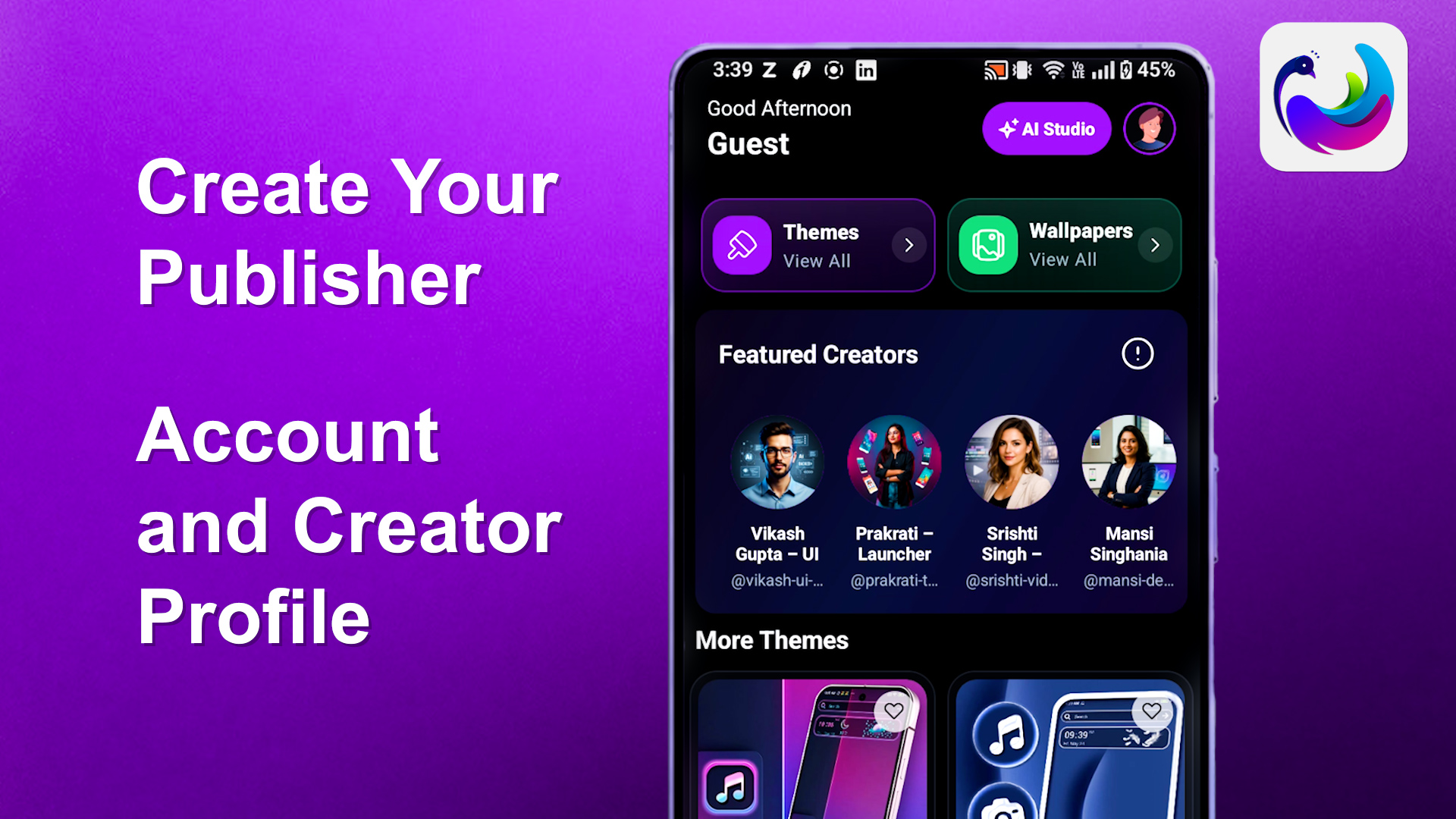
Want to become a creator on CMM Launcher? Whether you are a theme designer, wallpaper artist, graphic designer, or digital content creator, setting up your Publisher Account and Creator Profile is the first step toward showcasing your creativity.
CMM Launcher Theme provides a platform where creators can establish their identity, connect with the CMM Launcher community, and explore opportunities to earn through their creative work.
In this guide, we’ll explain how to create a Publisher Account and Creator Profile in CMM Launcher, from Google sign-in to completing your creator profile.
What Is a Publisher Account in CMM Launcher?
A Publisher Account in CMM Launcher allows users to establish their identity as publishers on the platform.
By creating a Publisher Account, you can add your profile picture, publisher name, and a short biography to introduce yourself.
Once your Publisher Account is set up, you can proceed to create your Creator Profile and explore the available creator features.
How to Create a Publisher Account in CMM Launcher
Follow these simple steps to get started.
Step 1: Open CMM Launcher Theme
Launch the CMM Launcher Theme app on your Android smartphone.
On the home screen, locate the Profile icon at the bottom of your screen and tap it.
This will open your account section, where you can sign in or manage your profile.
Step 2: Sign In With Your Google Account
If you’re using the app as a guest, you’ll need to sign in before setting up your Publisher Account.
- Tap Continue with Google.
- Select your preferred Google account.
- Review the account information.
- Tap Agree and share to confirm.
- Wait for the sign-in process to finish.
Once successfully signed in, you’ll be redirected to your CMM Launcher profile.
Step 3: Set Up Your Publisher Account
After signing in, you’ll see the Publisher Account setup option.
Tap Get started to begin creating your publisher identity.
Complete the following details:
- Profile Picture: Upload an image that represents you or your brand.
- Publisher Name: Choose a recognizable name for your publishing identity.
- Bio: Write a short introduction explaining who you are and what kind of creative content you produce.
Once you’ve entered the required information, complete your Publisher Account setup.
Your Publisher Account is now ready!
How to Create a Creator Profile in CMM Launcher
After setting up your Publisher Account, the next step is creating your Creator Profile.
Step 4: Tap Create Creator Profile
Navigate to your Publisher Account screen.
Find and tap Create creator profile.
This will open the Creator Profile setup page, where you can personalize your identity as a CMM Launcher creator.
Step 5: Add Your Creator Profile Details
Complete the available profile fields to introduce yourself to the CMM Launcher community.
Profile Picture
Upload a clear profile image, logo, or creative avatar that represents your work.
Cover Image
Choose an attractive cover image that reflects your creative style or brand identity.
Username
Select a unique username that users can recognize and associate with your creative content.
Display Name
Enter the name you want displayed on your creator profile.
Creator Bio
Write a short introduction explaining your interests, skills, and creative work.
For example:
“I’m a digital creator passionate about designing unique Android themes, aesthetic wallpapers, and personalized home screen experiences.”
Social Media Links
You can also add your available social media links to help users discover more of your work and connect with you across platforms.
Step 6: Review and Create Your Profile
Before completing your Creator Profile, carefully review all the information you’ve entered.
Make sure your profile picture, cover image, username, display name, bio, and social media links are correct.
Once everything looks good, tap Create Profile.
Wait for the confirmation screen.
Congratulations! Your CMM Launcher Creator Profile has been created successfully.
Why Become a Creator on CMM Launcher?
Creating a profile on CMM Launcher can help you establish your creative identity and explore opportunities within the Android customization community.
1. Showcase Your Creativity
Build a recognizable creator identity that reflects your interests in Android themes, wallpapers, graphic design, and mobile personalization.
2. Build Your Personal Brand
Your profile picture, cover image, username, and biography help users recognize you and learn about your creative work.
3. Connect With the CMM Launcher Community
A Creator Profile gives you a starting point for participating in the CMM Launcher creator ecosystem and exploring its available features.
4. Explore Creator Earning Opportunities
CMM Launcher introduces creators to potential earning opportunities through its creator features. Availability, eligibility, and earnings depend on the platform’s applicable terms and programs.
5. Share Your Creative Identity
Adding social media links makes it easier for users to discover your work beyond CMM Launcher.
Tips for Creating a Professional CMM Launcher Creator Profile
To make your profile more appealing, choose a clear profile picture, use a memorable username, and write a short but meaningful biography.
Your cover image should reflect your creative interests, while your social media links should point to active accounts showcasing your work.
A complete, consistent profile can help establish credibility and make your creator identity easier to recognize.
Frequently Asked Questions (FAQs)
1. How do I create a Publisher Account in CMM Launcher?
Open CMM Launcher Theme, tap the Profile icon, sign in with Google, and select Get started under Publisher Account. Add your profile picture, publisher name, and bio to complete the setup.
2. How can I create a Creator Profile in CMM Launcher?
After creating your Publisher Account, tap Create creator profile. Enter your profile picture, cover image, username, display name, bio, and optional social media links. Then tap Create Profile.
3. Do I need a Google account to become a CMM Launcher creator?
Yes. The account setup process described in this guide requires you to sign in using your Google account.
4. What is the difference between a Publisher Account and a Creator Profile?
A Publisher Account establishes your publisher identity on CMM Launcher. A Creator Profile provides additional information about your creative identity, including your username, cover image, introduction, and social media links.
5. Can I earn money as a creator on CMM Launcher?
CMM Launcher provides an opportunity to explore creator earning features. Actual earning availability and eligibility depend on the platform’s creator program requirements and terms.
6. What details are required to create a CMM Launcher Creator Profile?
You’ll be asked to provide a profile picture, cover image, username, display name, and short introduction. You can also add available social media links.
7. Can I add my Instagram or other social media accounts?
You can add supported social media links through the Creator Profile setup screen, depending on the fields available in your app version.
8. Is creating a CMM Launcher Publisher Account free?
The setup process shown in this tutorial does not include a payment step. Check the app’s current terms for any applicable creator-related fees or requirements.
9. Can beginners create a Creator Profile on CMM Launcher?
Yes. The setup process is straightforward and suitable for users who are new to digital content creation.
10. Where can I download CMM Launcher?
For the Android launcher app, visit:
https://play.google.com/store/apps/details?id=com.launcher.smart.android
Conclusion: Start Your Creator Journey With CMM Launcher
Creating a Publisher Account and Creator Profile in CMM Launcher is a simple process that helps you establish your creative identity.
Start by signing in with Google, complete your Publisher Account details, and create your personalized Creator Profile with your picture, cover image, username, bio, and social media links.
Whether you’re interested in Android themes, wallpaper design, or mobile customization, your Creator Profile is the first step toward exploring the CMM Launcher creator community.
Create your CMM Launcher Creator Profile today and start showcasing your creativity!

Leave a Reply